

AI Sheru Bhai photo maker
Sheru Bhai Photo
Turn your photo into a realistic group photo with Sheru Bhai, the AI lion character. Upload a picture of yourself or your crew — you stay exactly as you are, and Sheru Bhai joins the frame.
One-time packs from $2.99 · no subscription
Your photo
People photos work best — one person or a group
Choose a photo
JPG, PNG or WebP · up to 4 MB
Effect
Sheru Bhai
Add the Sheru Bhai lion character to your photo as a realistic group shot.
Photo tips
- One person or a group — everyone stays exactly as they are in the result
- A JPG, PNG or WebP up to 4 MB
- Between 300 and 6000 px on each side
- Use only photos you have permission to use
Output: one 2K group photo · your people stay unchanged, Sheru Bhai joins the frame
1 credit per image · reserved on submit, refunded if generation fails
Sign in to generate
Generation is coming soon in this demo build. Your photo stays in this browser.
By generating, you confirm the photo shows you or adults who agreed, and follows our Terms of Service
Your result
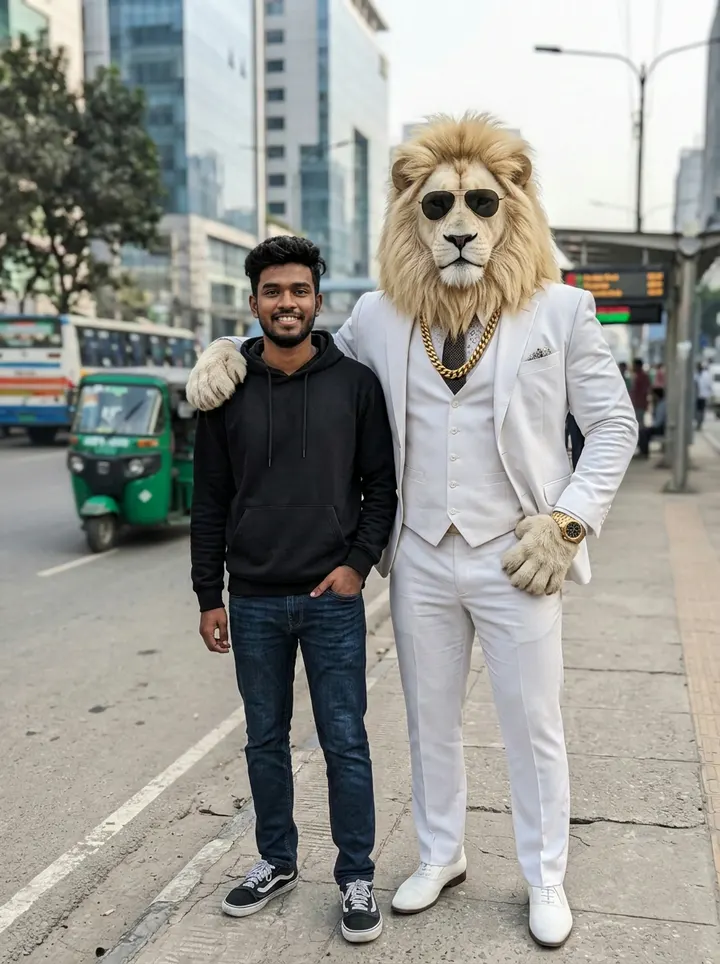
Reference artwork from sherubhaivideo.com. Character styling and composition vary. Your own result appears here after you generate.
Sheru Bhai Photo Examples
A photo with Sheru and three takes on the lion character, curated from the reference sites.
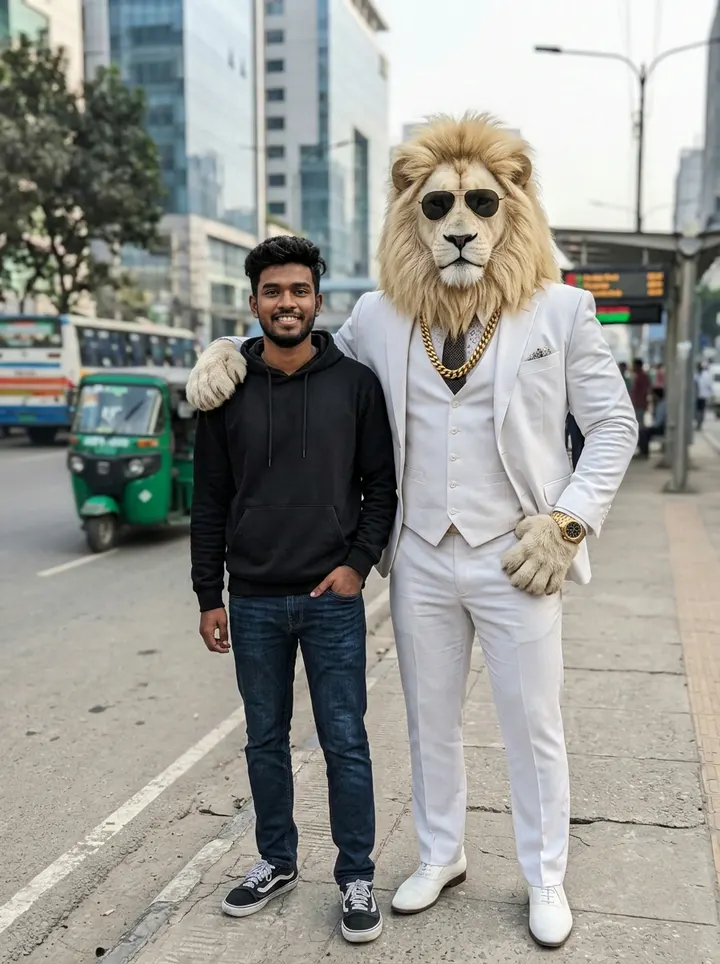
Photo together
A photo with Sheru
A street portrait with Sheru Bhai joining the frame in a white suit and aviators.
Reference: sherubhaivideo.com
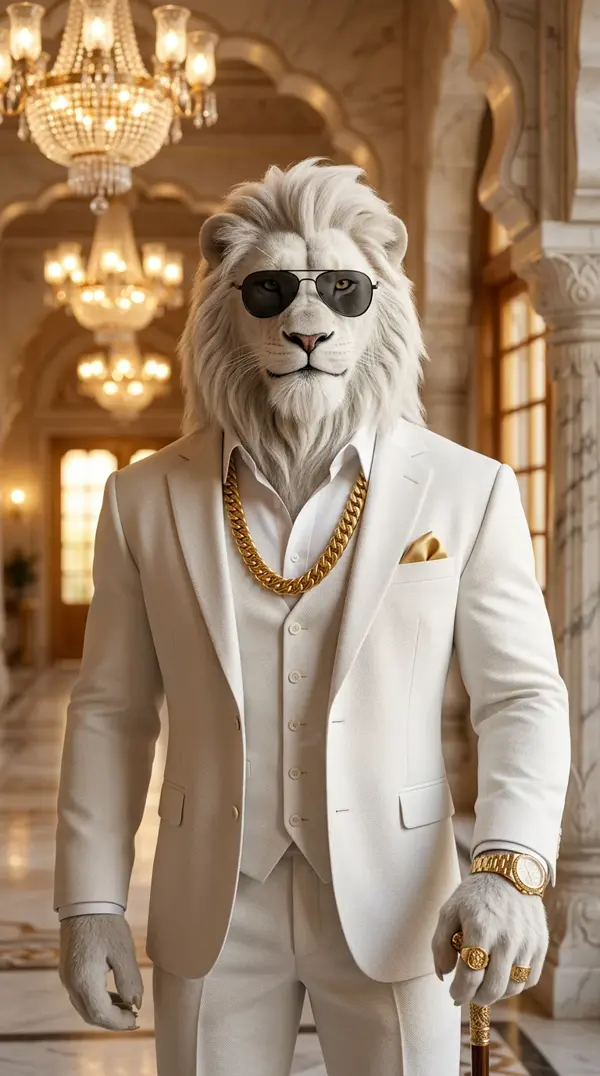
Character portrait
The palace portrait
A white mane, tailored suit and gold details in the warm light of a marble palace.
Reference: sherubhaiai.com
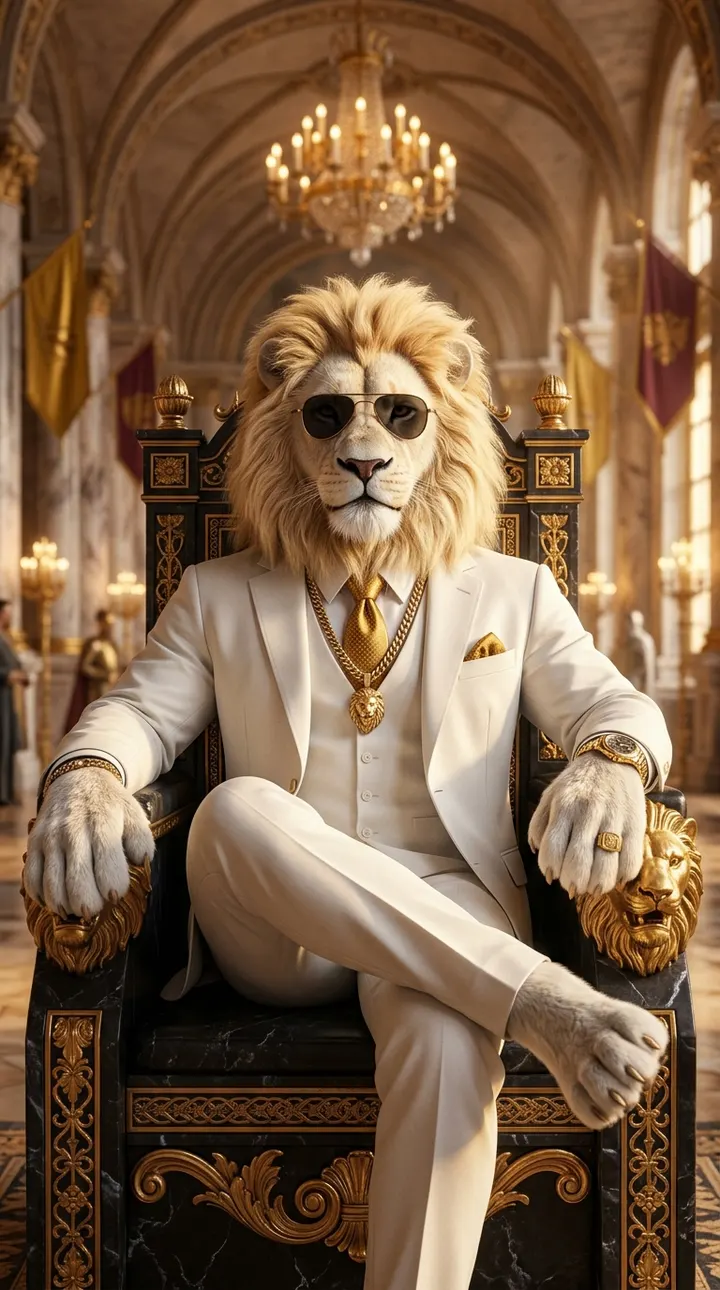
Royal scene
The royal throne
Sheru takes his seat on a carved gold throne beneath a palace chandelier.
Reference: sherubhaivideo.com
Cinematic scene
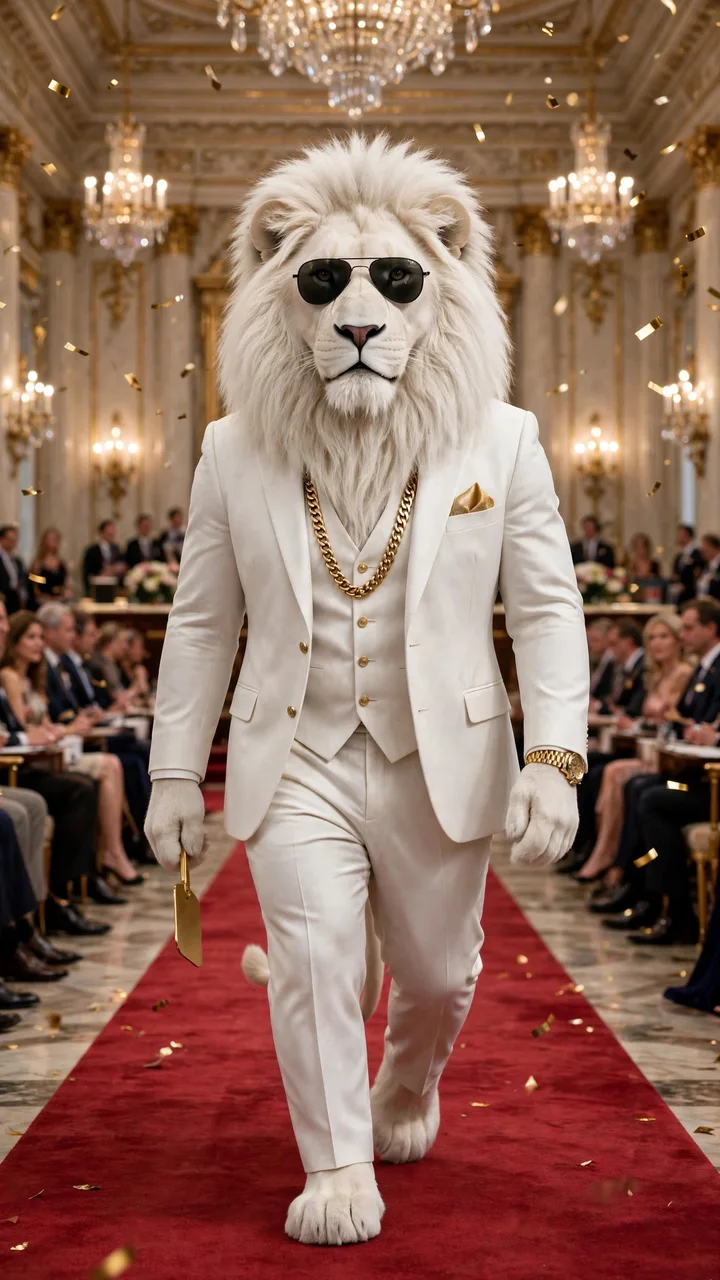
The red-carpet arrival
A confident entrance in a white suit, framed by chandeliers and golden confetti.
Reference: sherubhai.co
Reference artwork from the linked sites; these images were not generated by this tool. Character styling and results vary.
How it works
How to Make a Sheru Bhai Photo
Turn your photo into a group photo with Sheru Bhai in three steps. No editing skills needed.
Step 1
Upload your photo
Pick one clear photo of you or your crew — a JPG, PNG or WebP up to 4 MB.
Step 2
Generate your group photo
One click starts the generation — Sheru Bhai joins your photo as a realistic group shot. Each generation uses 1 credit.
Step 3
Download and share
Follow the task status, then download your Sheru Bhai photo — watermark-free.
One-time packs, no subscription
Buy a pack of image generations when you need them. Credits are valid for 12 months from purchase — no subscription, no auto-renewal.
Starter
For a first Sheru Bhai photo.
Includes
- 10 image generations
- Photo with the Sheru Bhai lion character
- 2K image output
- Watermark-free image download
- Credits valid 12 months
One-time purchase · valid 12 months · no auto-renewal
Plus
RecommendedRoom to try more photos and scenes.
Includes
- 25 image generations
- Photo with the Sheru Bhai lion character
- 2K image output
- Watermark-free image download
- Credits valid 12 months
One-time purchase · valid 12 months · no auto-renewal
Creator
For sharing and experimenting.
Includes
- 60 image generations
- Photo with the Sheru Bhai lion character
- 2K image output
- Watermark-free image download
- Credits valid 12 months
One-time purchase · valid 12 months · no auto-renewal
Real Group Photos, Simple Controls
Put a lion character in the picture with AI photo generation, watermark-free downloads, and one-time credit packs.
Your people stay you
Faces, hair, outfits and poses stay as they are — the character joins the frame instead of replacing anyone.
One believable photo
Sheru Bhai matches your photo's light, shadows and perspective, so the result reads like one real photograph.
2K output
Get a 2K image sized to your photo's aspect ratio, ready for sharing.
Simple credits
One-time credit packs, no subscription. 1 credit per image; confirmed failures are refunded.
No watermark
Download your photo without a watermark. Follow the usage rules before sharing.
Private by default
Uploads and results are stored privately in your account and are not shown to other users.
Sheru Bhai Photo FAQ
Answers about photos, pricing, privacy, and your results.
What is a Sheru Bhai photo?
A Sheru Bhai photo is a realistic group picture of you with Sheru Bhai — a friendly AI lion character in smart-casual clothes. You upload a photo, and the tool produces a new photo where Sheru Bhai poses next to the people in it, while everyone stays exactly as they are.
How does the photo generator work?
Upload a photo of yourself or your crew, press Generate, and the AI composes a group photo with the Sheru Bhai character matched to your scene's light and perspective. The people in the photo are not edited — the character joins the frame.
Is the Sheru Bhai photo maker free?
Image generation requires credits. One-time packs start at $2.99 for 10 images, with $4.99 for 25 and $9.99 for 60. Credits are valid for 12 months from purchase, with no subscription or auto-renewal. Downloading an image you have already generated costs no extra credits.
Do I need an account or an app?
No app installation is needed — the tool works online in your web browser. Sign in to generate images, use your credits, and access your saved results.
Which photos work best?
Use a JPG, PNG or WebP up to 4 MB, between 300 and 6000 pixels per side. Pick a photo where the people are sharp and well lit — portraits, group shots, and everyday scenes all work. Use photos of yourself or adults who have agreed.
Does it work on group photos?
Yes. A group photo works well — everyone in the picture stays in it exactly as they are, and Sheru Bhai joins the group like a friend who stepped into the shot.
Does it work on videos?
This tool is designed for still photos. It does not support videos.
Are my photos uploaded and stored?
Yes. Your photo is uploaded and sent to our AI model partner to produce the result. Uploads and results are stored privately in your account and are not shown to other users. See our Privacy Policy for storage, retention, and deletion details.
How do credits work?
Submitting a generation reserves 1 credit. If the generation is confirmed failed, that credit is returned automatically. Each new generation costs 1 credit. Downloading your completed image costs no extra credits.
Will the people in the result look exactly like us?
The tool is tuned to keep every person unchanged while the character joins the photo, but AI generation can still alter details. Review the full result before sharing, and respect the people shown in your photos.
What is your refund policy?
If a generation is confirmed failed, its reserved credit is returned automatically. Payment refunds are handled separately under our Refund Policy, which explains the conditions and how to contact support.